


run your whole org from one place.
Chats, events with location check-in, membership fees with payment plans, excuses, feeds and albums. Built for every student org.
Free for student orgs. Officers set it up in minutes.
everything your org runs on.
Real recordings of the app, running on a sample chapter. Pick one, or let it play.
Chapter and committee chats, with replies, reactions and @mentions.
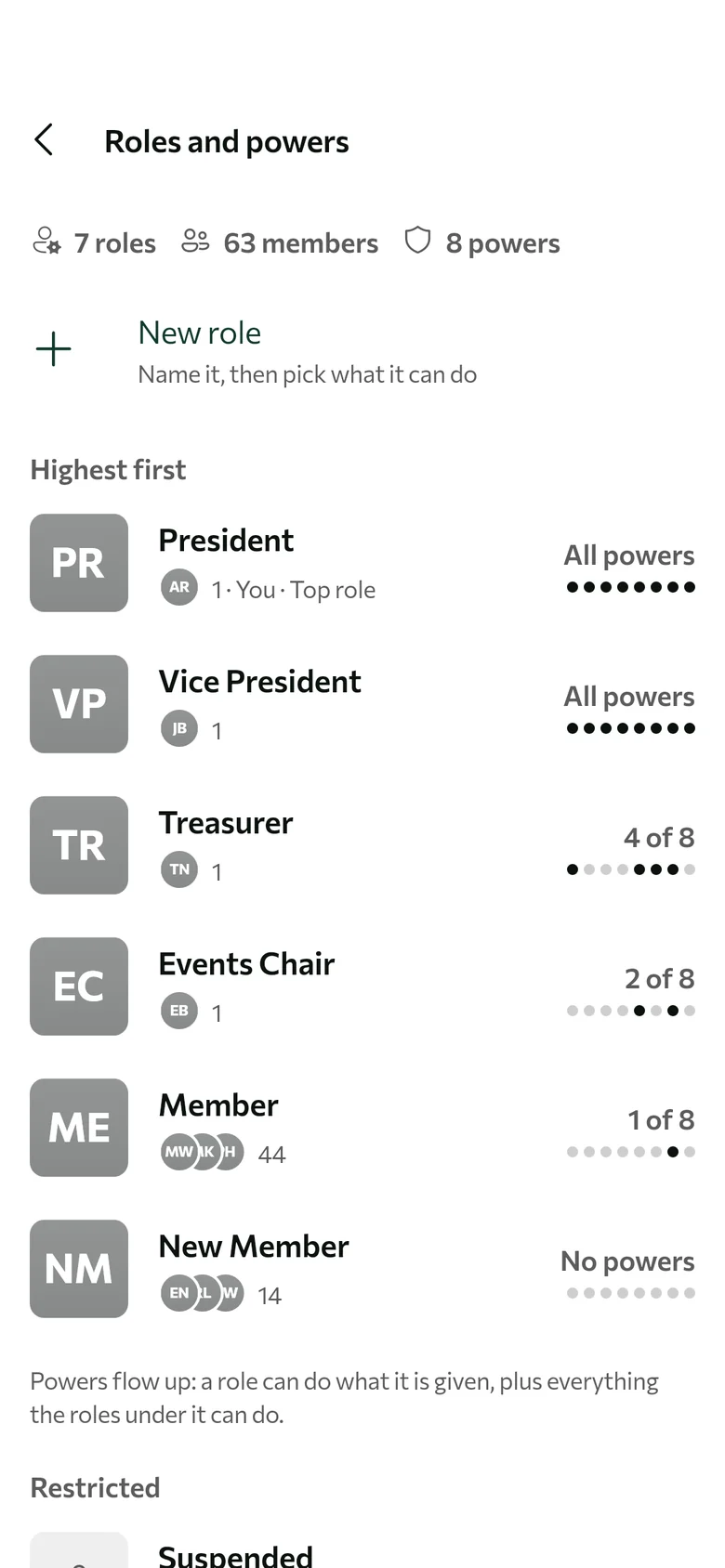
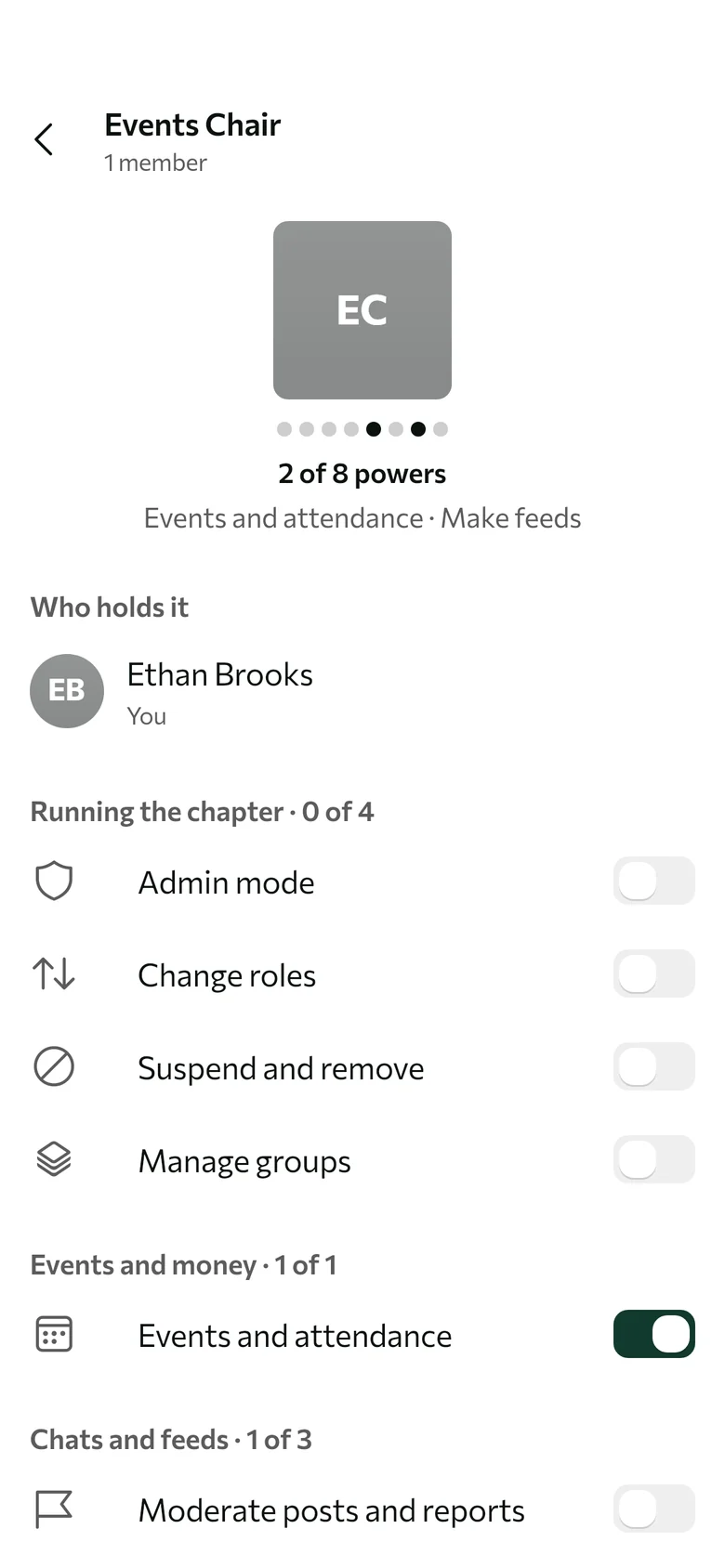
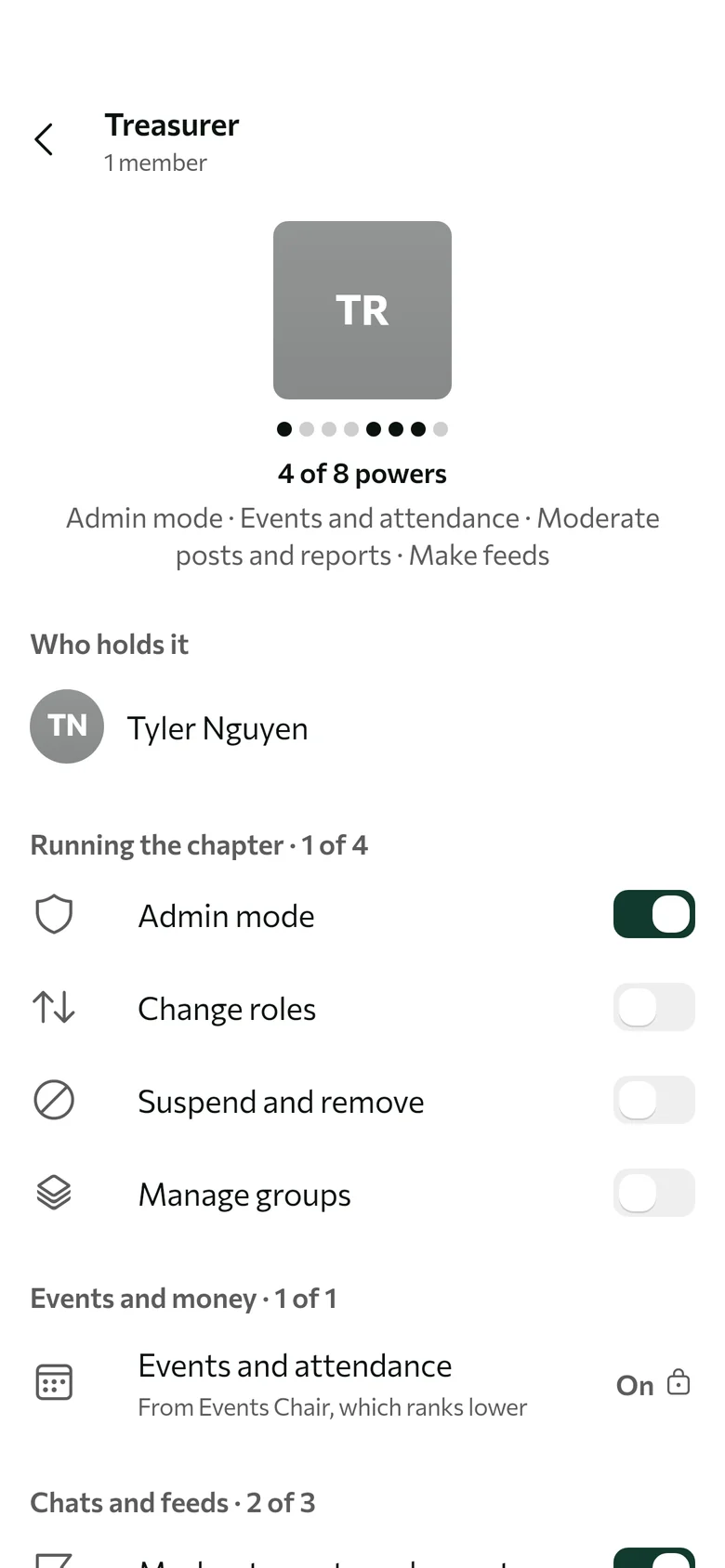
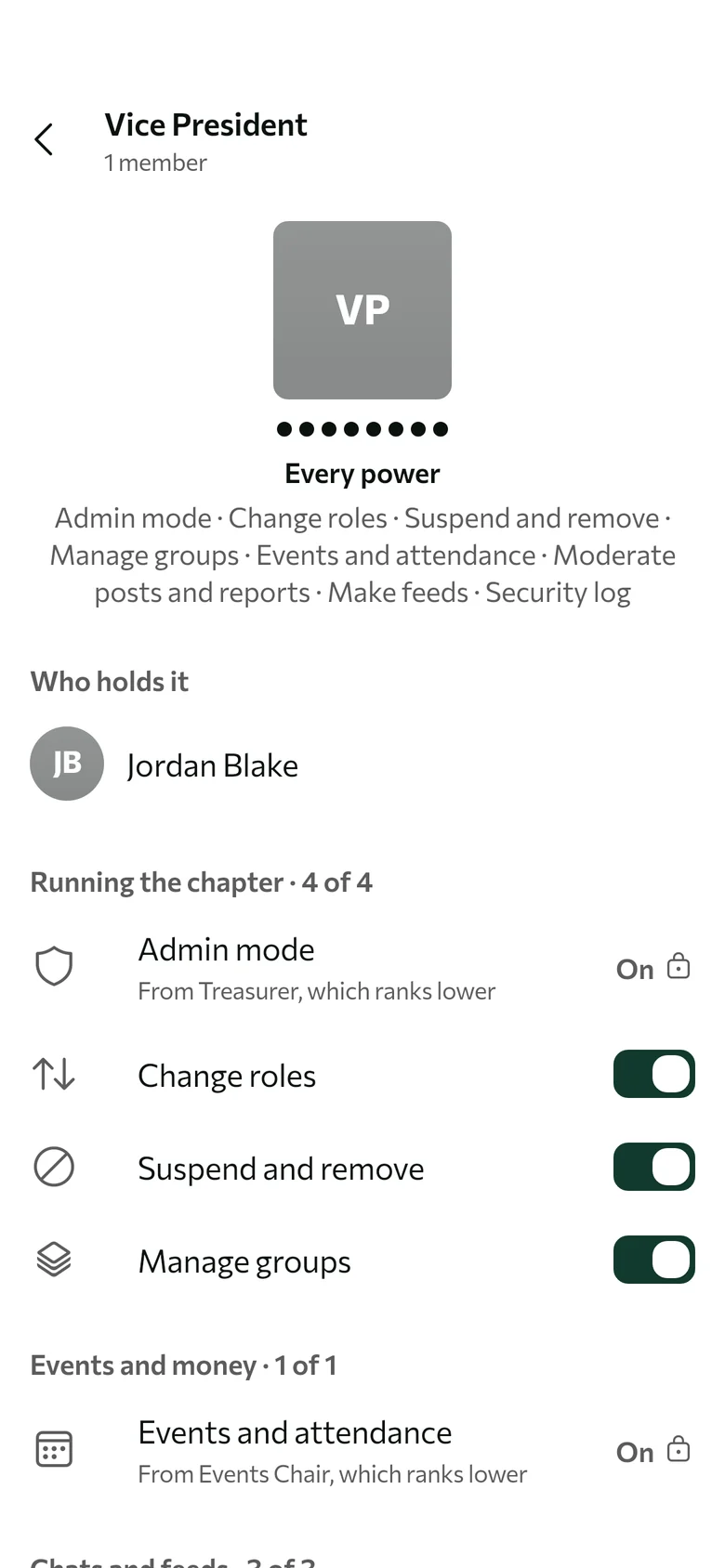
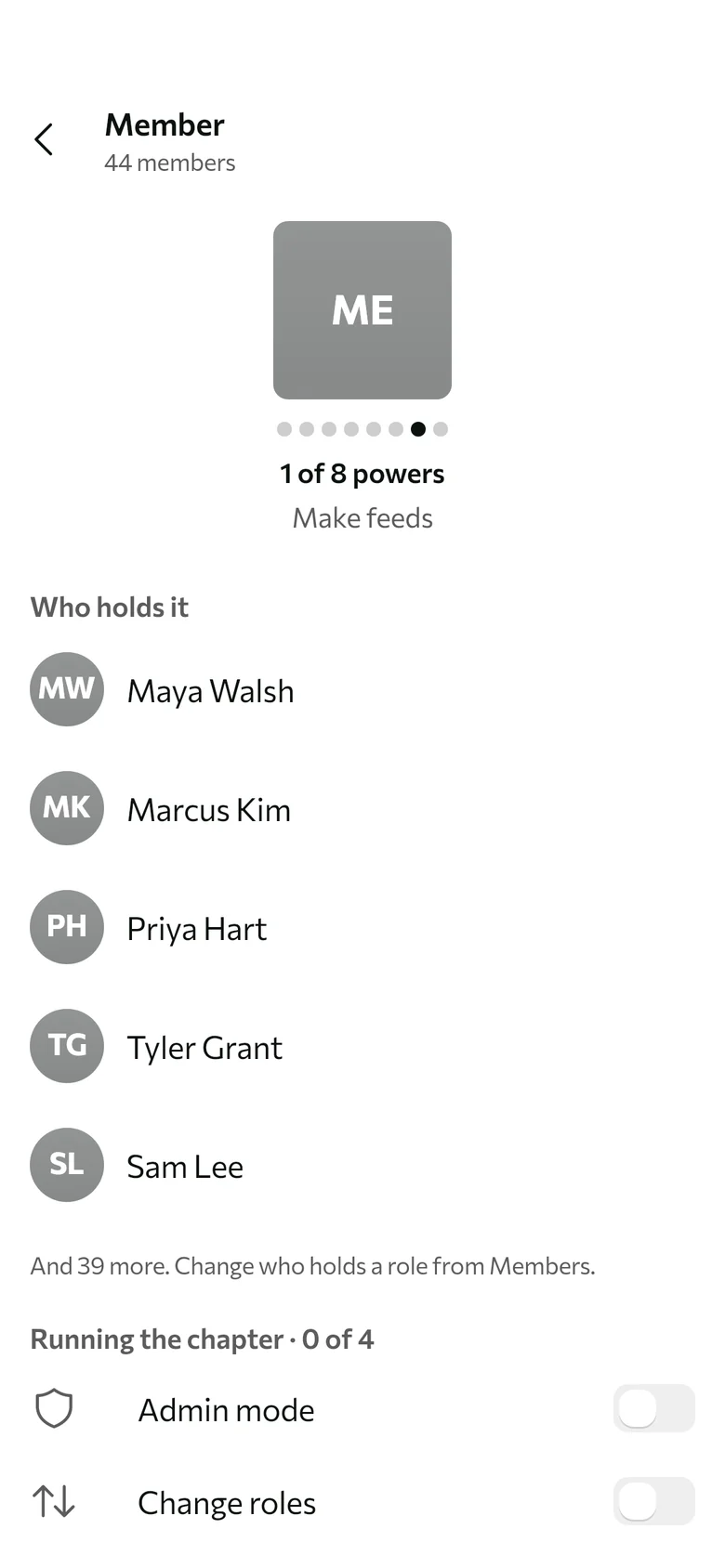
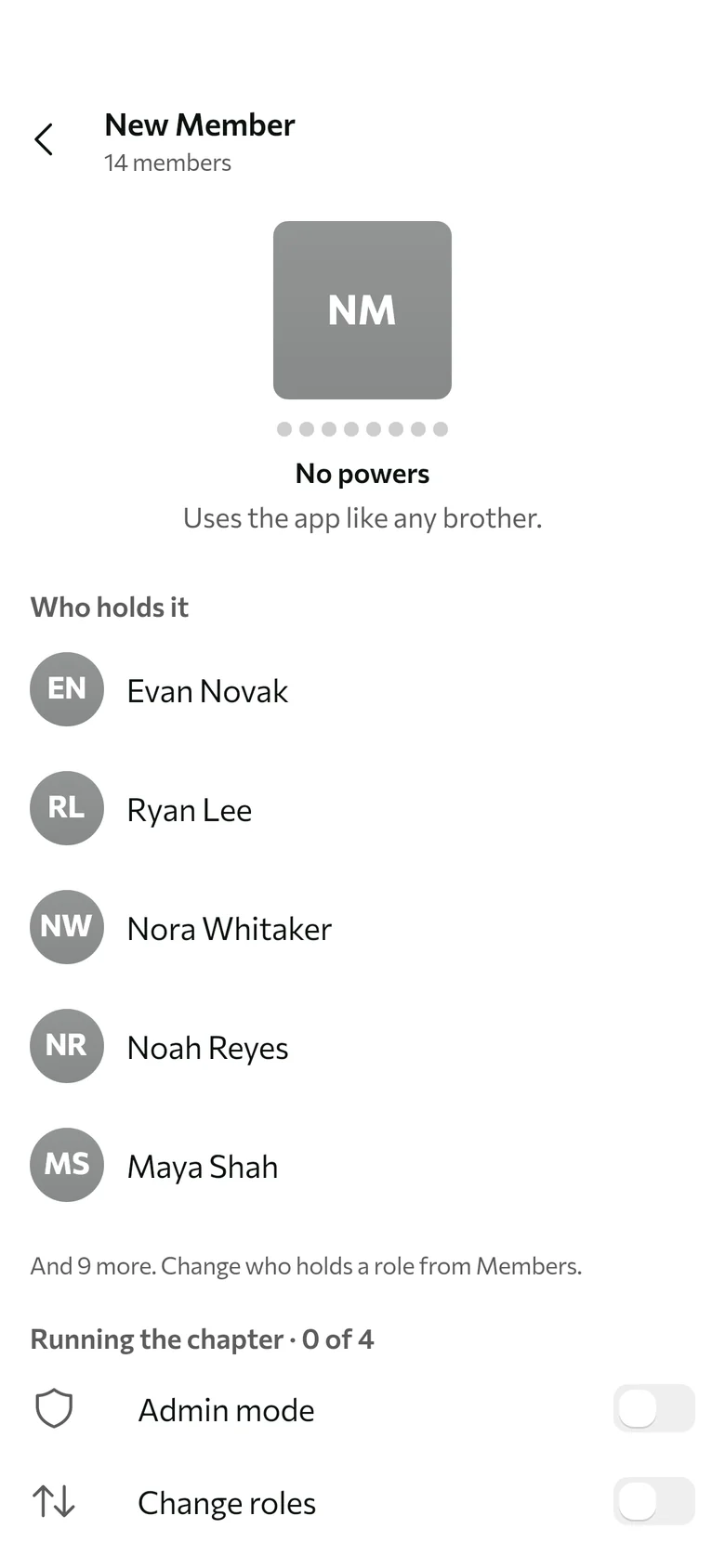
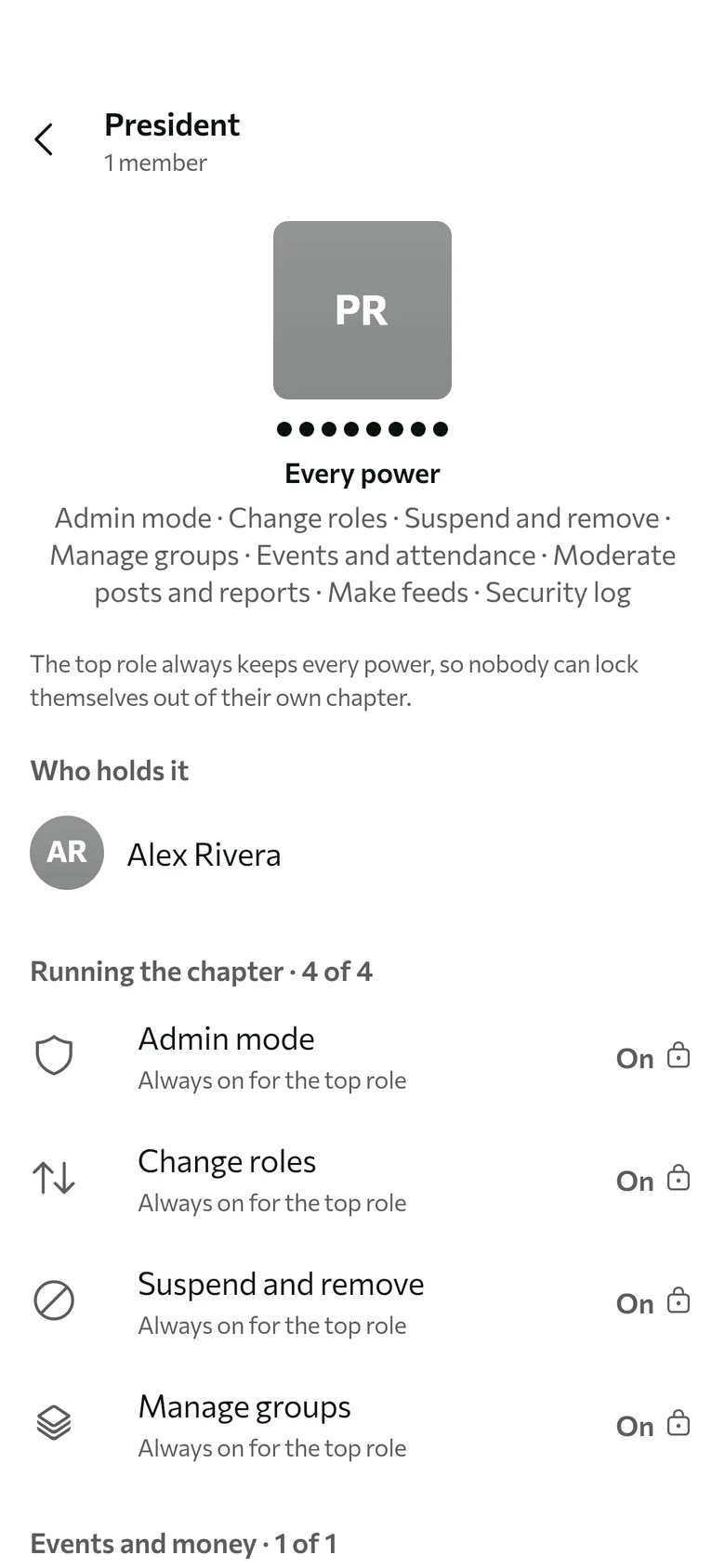
roles decide who can do what.
Rank your roles, then switch on what each one can do. Powers flow up: a role can do what it’s given, plus everything the roles under it can do.
Every chat and feed picks its own audience. Choose the roles and groups that can see it, and the ones that can post.
Groups never grant powers. A group is open to everyone or belongs to one role. Type @ and its name to reach everyone in it.
- Recruitment
- Social Committee
- Philanthropy
- Intramurals
- Class of 2027
- Exec BoardPresident only
- New Member ClassNew Member only
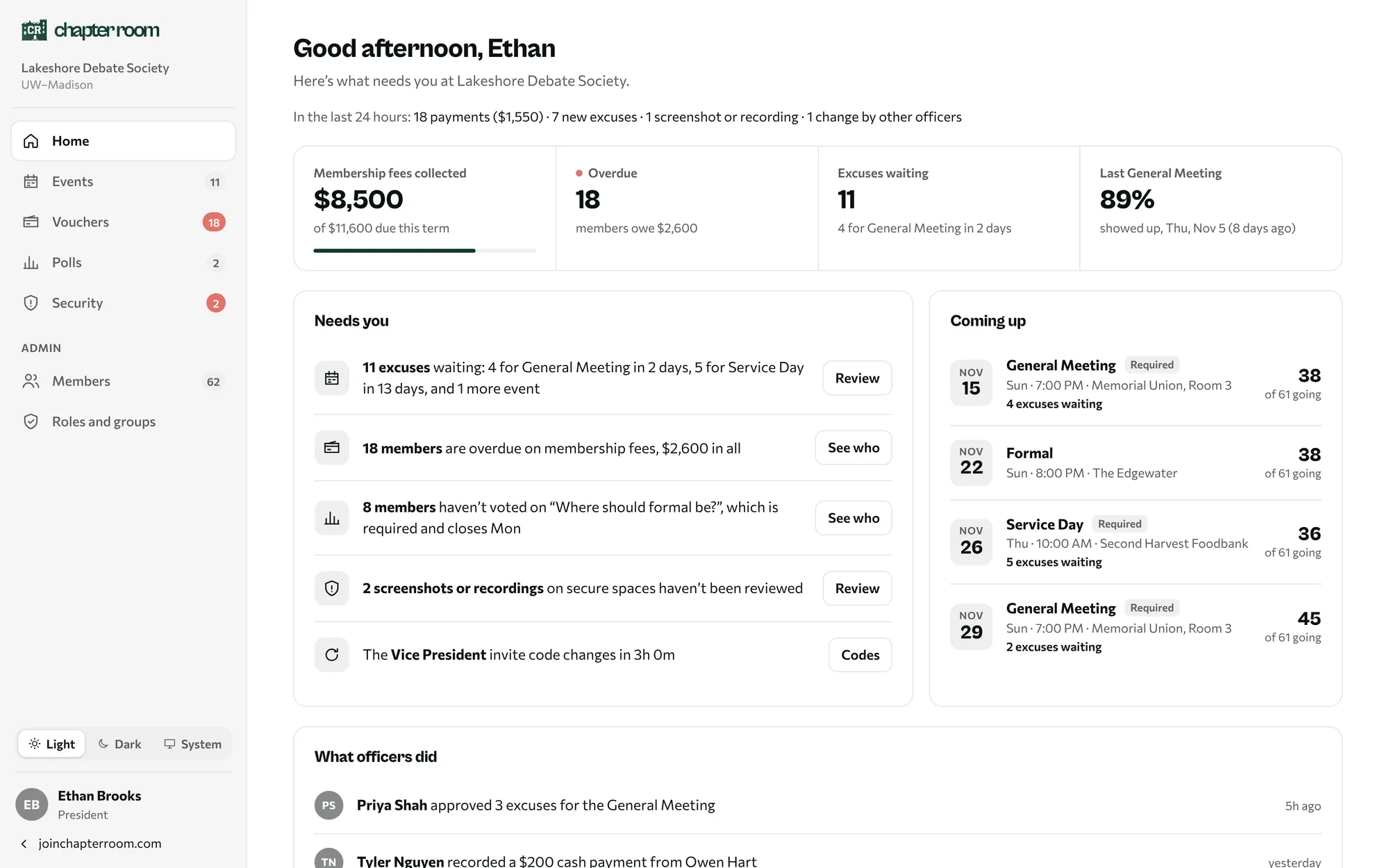
the web portal, for officers.
Run the org from your laptop, with the same powers your role has in the app.
what’s said in the room stays in the room.
Every chat, feed and album has its own security level. Officers pick Off, Medium or Max, and everyone in the space sees the level at the top of it.
Nothing is tracked. Screenshots and saving work like any other app. For the everyday group chat.
up and running in 20 minutes.
Three steps, start to finish.
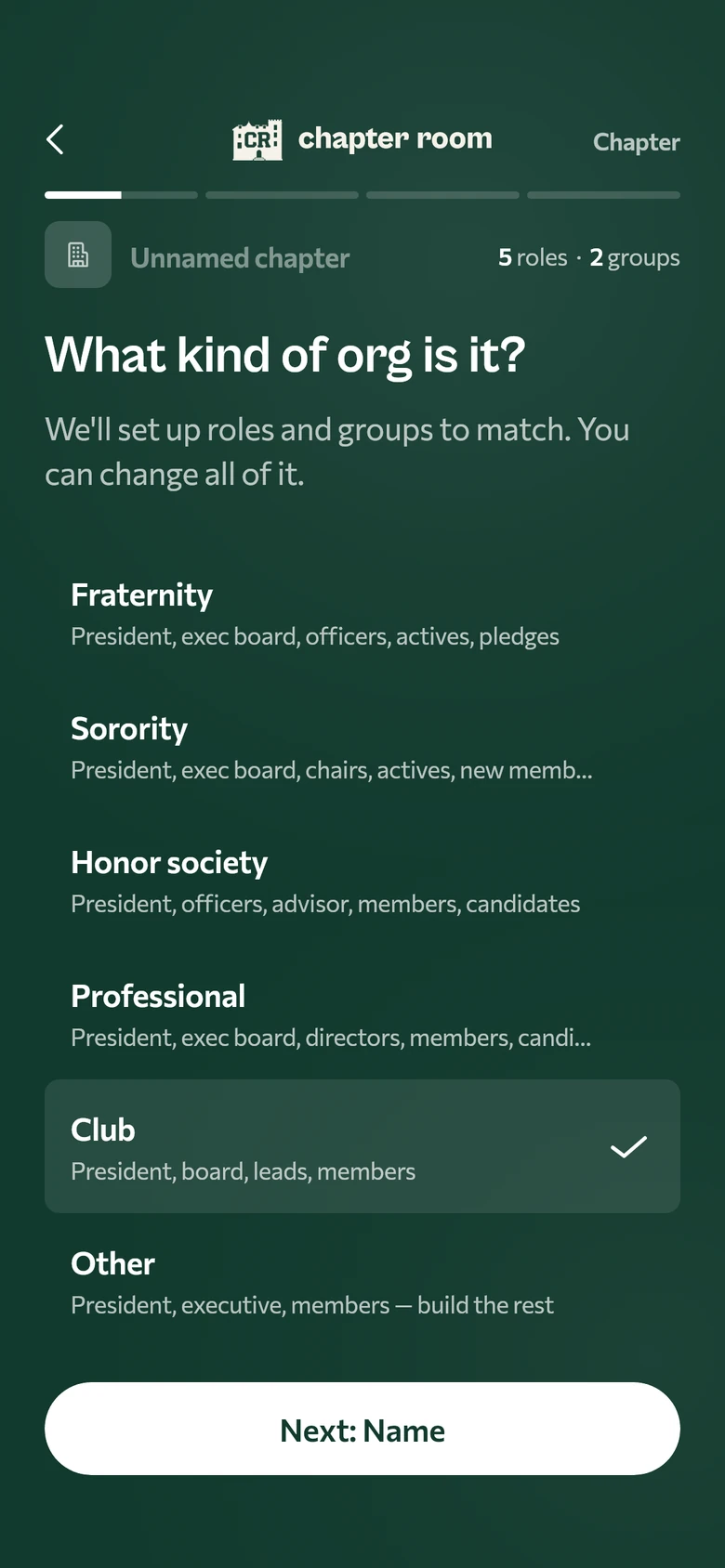
- 9:00 PMStart your chapter
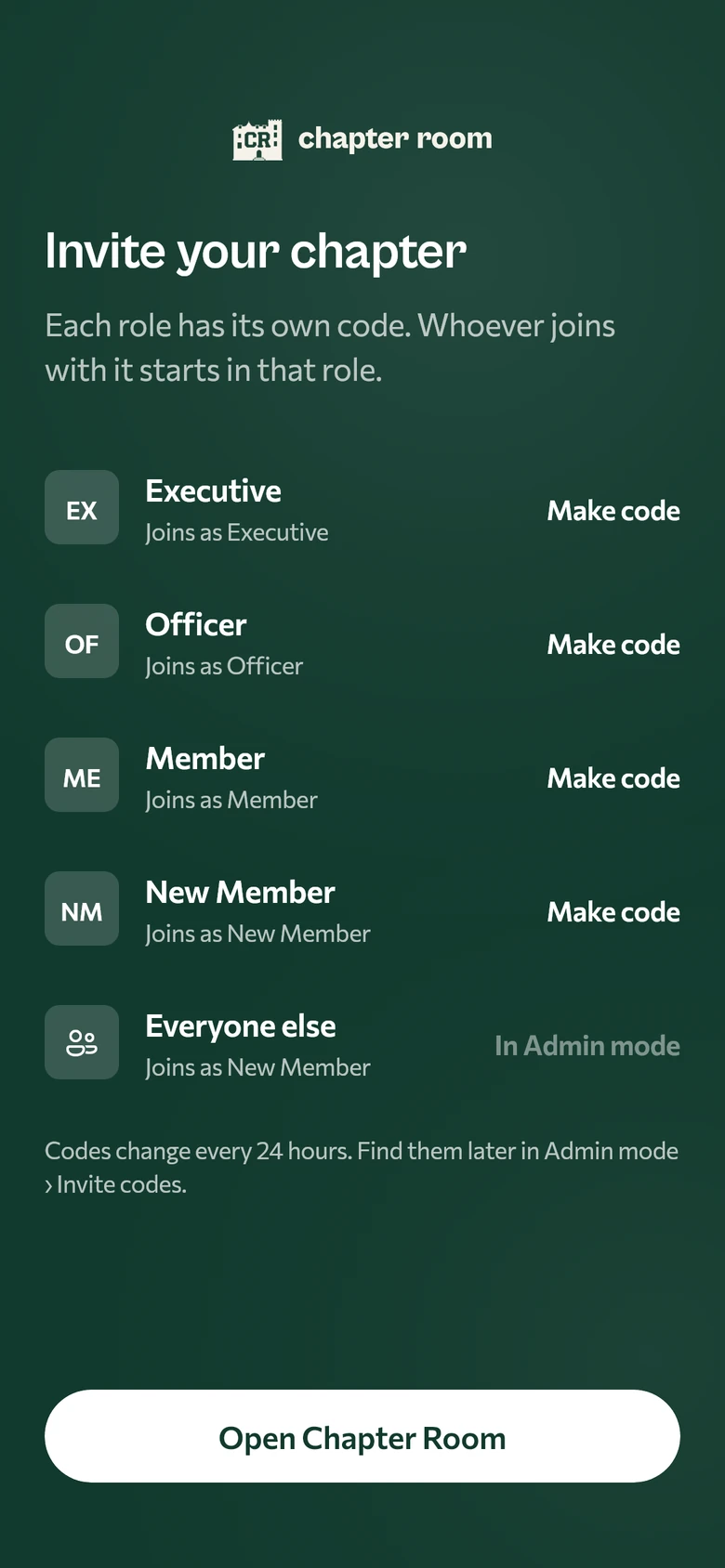
- 9:05 PMSend each role its code
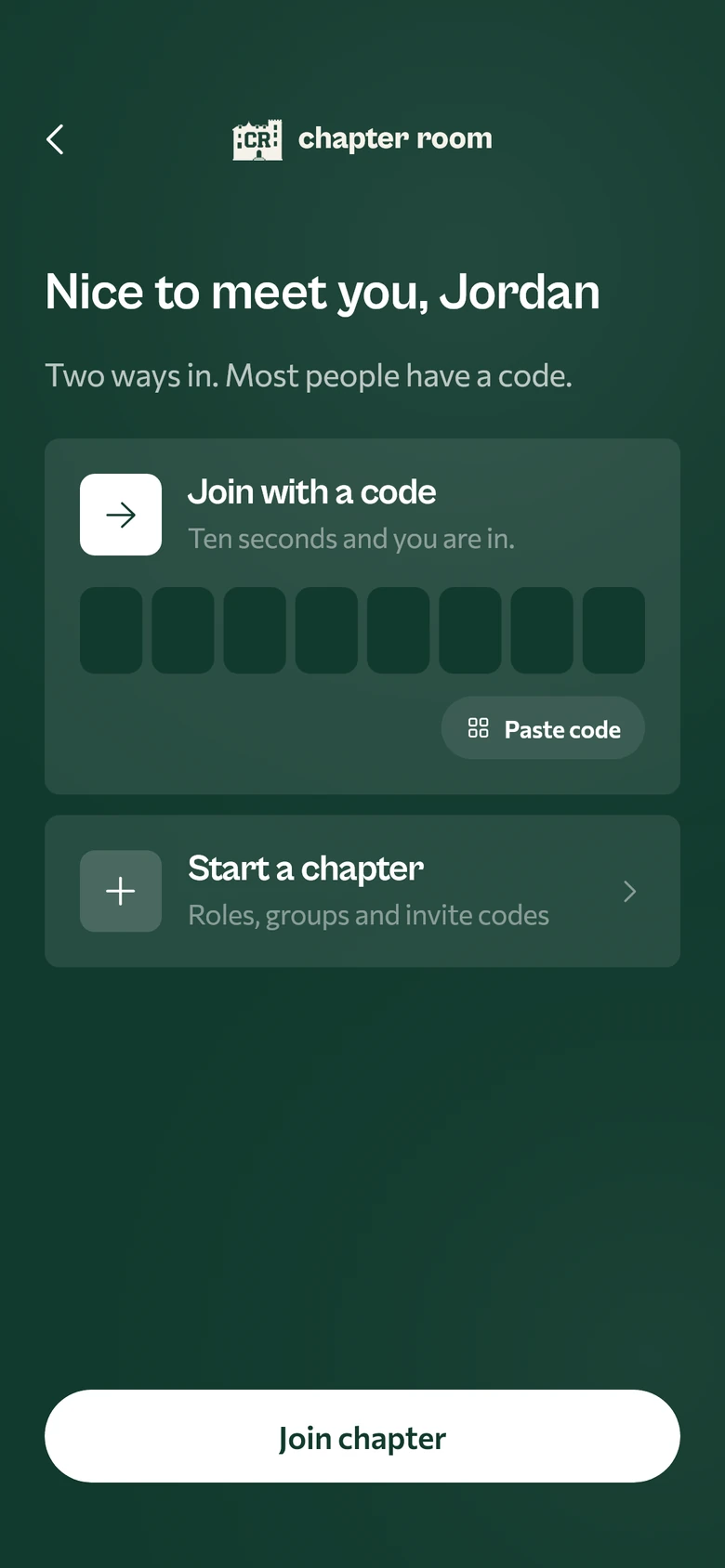
- 9:20 PMEveryone joins
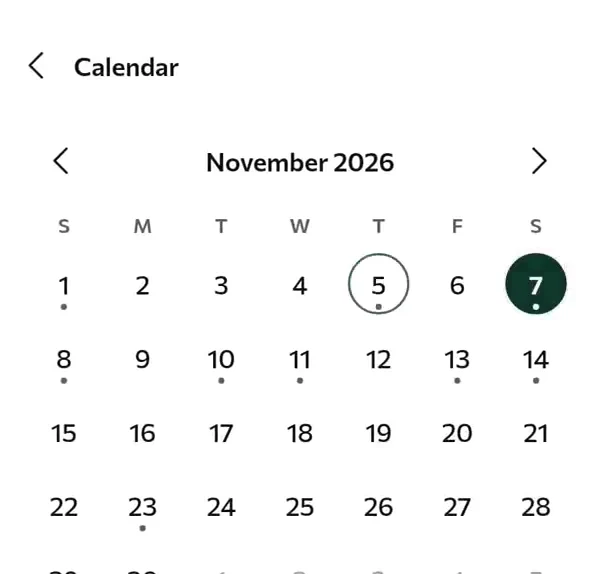
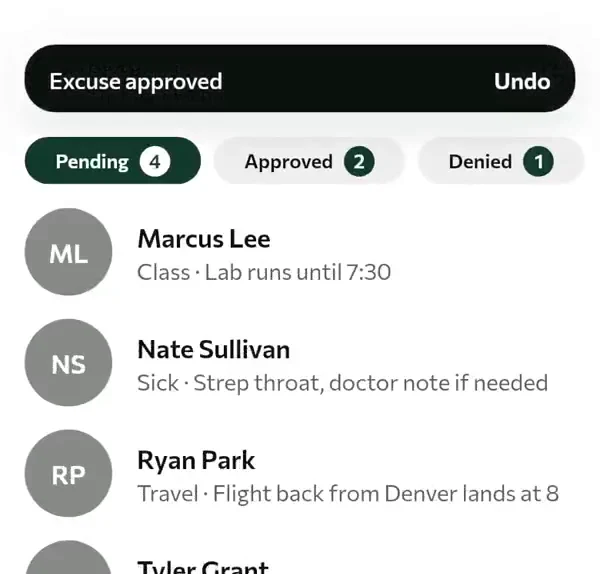
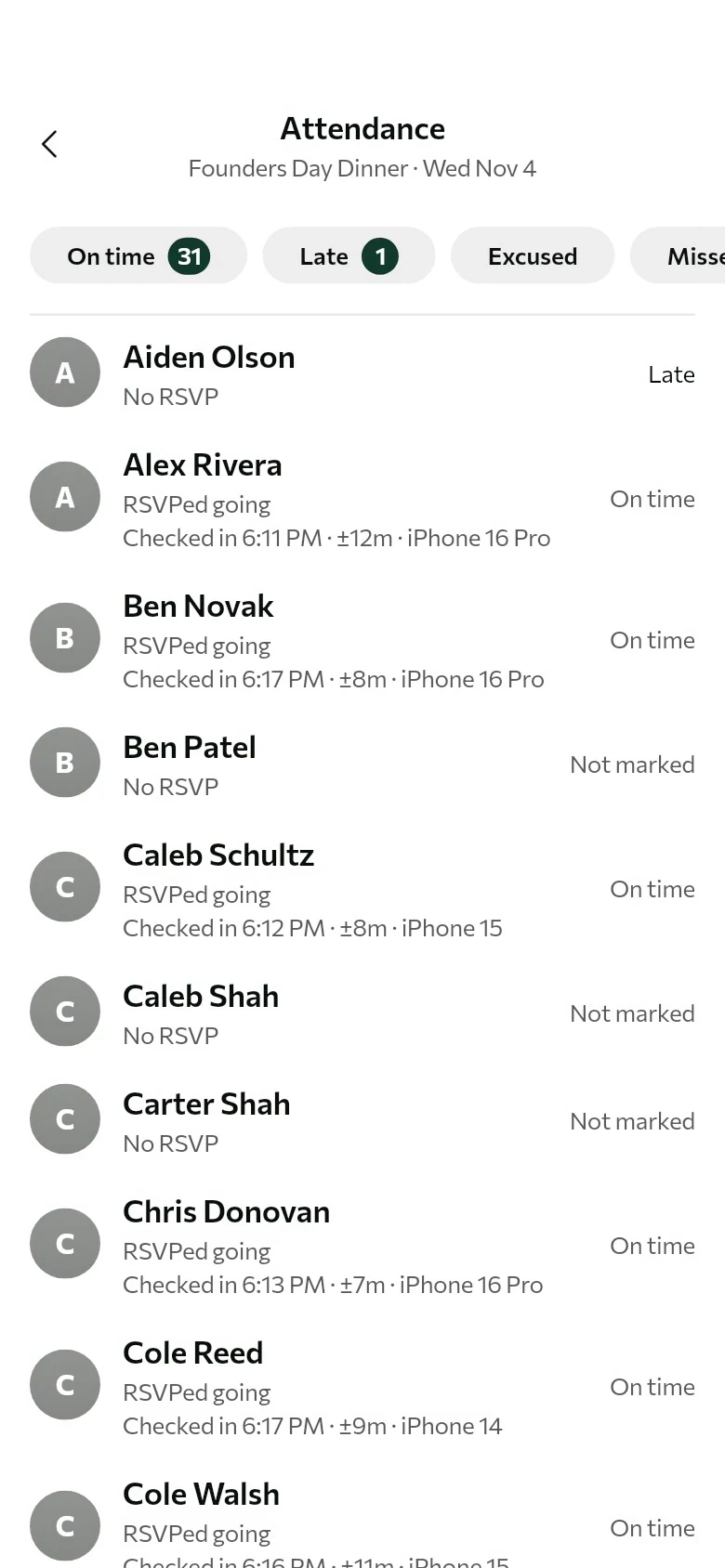
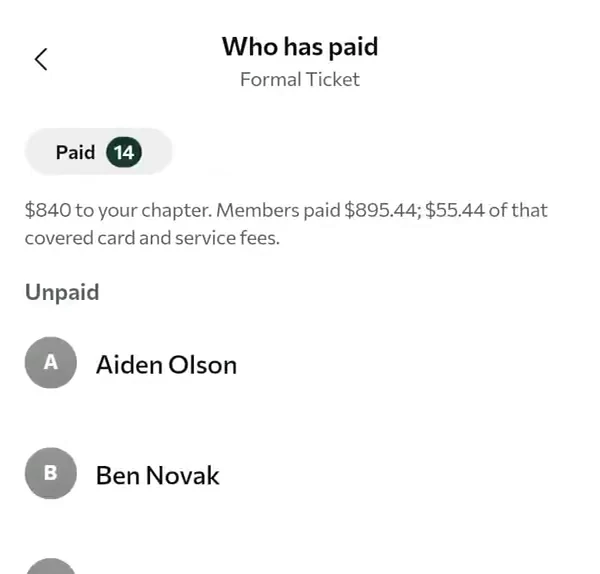
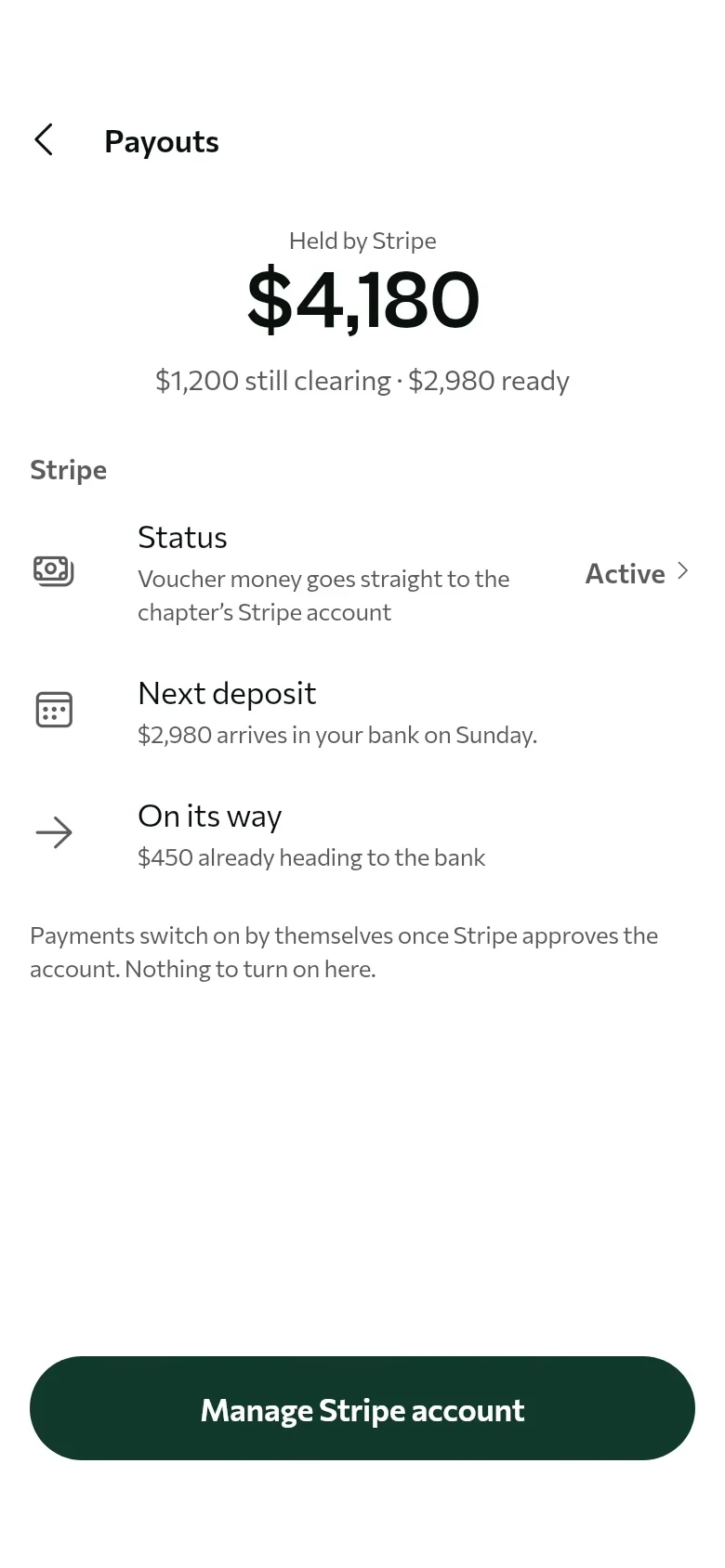
officer tools, built in.
Once everyone’s in, this is what officers stop doing by hand.
Hover over a tile to see it work.
where we’re launching.
Spring 2027, starting at UW–Madison, the University of South Carolina and Clemson.
Click any school to add it to the waiting room.
join the waiting room.
Type your school to see where it stands. Not one of these three? We open new schools as chapters sign on.